export const metadata = {
title: `${pageNumber} Create a Plugin`,
}
# {metadata.title}
In this chapter, you’ll learn how to create a plugin.
## Plugin Development Process
A plugin consists of Medusa application customizations. So, start with a new Medusa application and build your plugin’s resources.
Once you’re done developing and testing your customizations, you can package them in a plugin to be installed in other Medusa applications.
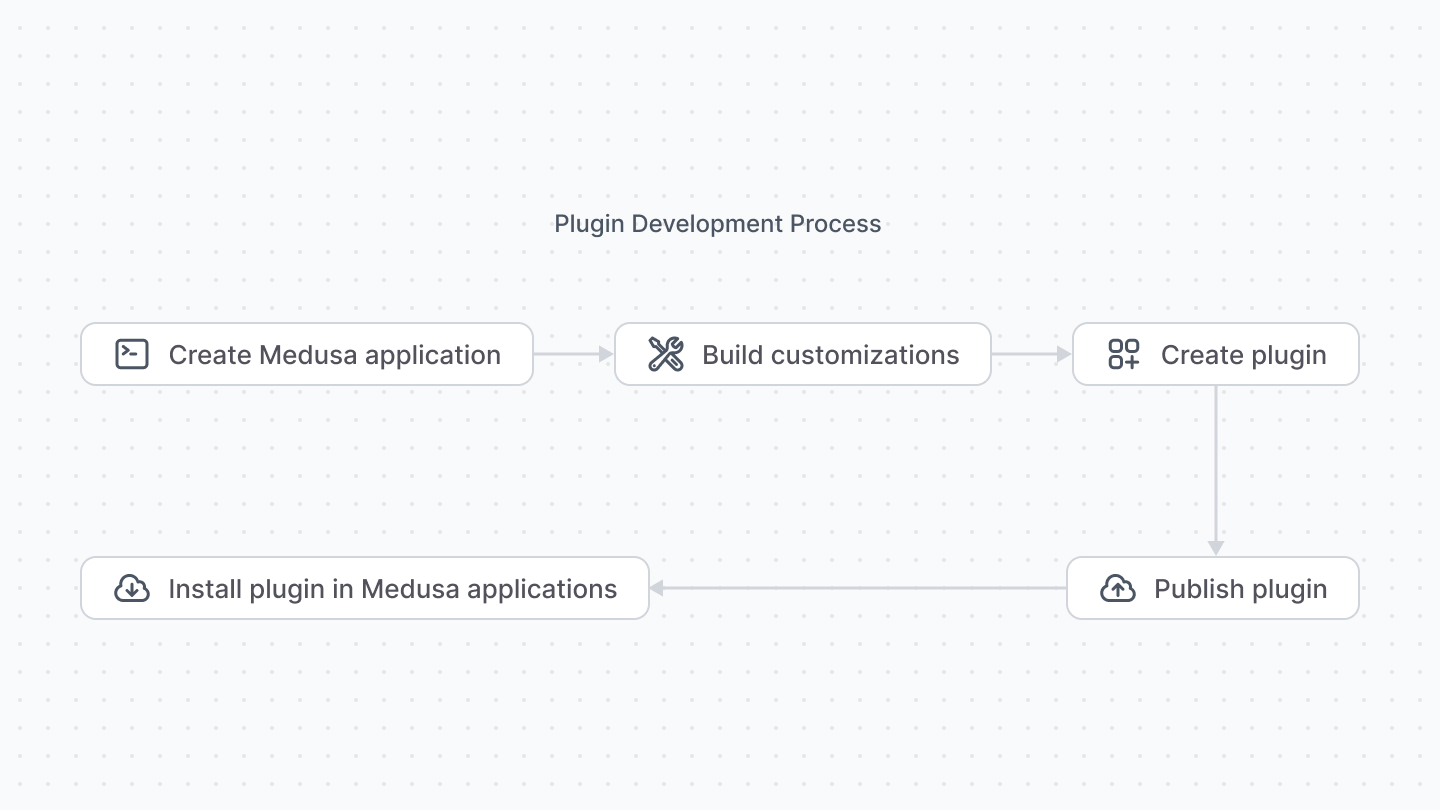
This chapter explains the steps to create the plugin that packages those customizations. The next chapter explains how to publish the plugin to NPM.
---
## Changes to package.json
### Add Prepare Script
Your plugin’s customizations must be built for production use. So, add a new `prepare` script to your scripts in `package.json`:
```json title="package.json"
"scripts": {
// other scripts...
"prepare": "cross-env NODE_ENV=production npm run build:server && medusa-admin bundle"
}
```
This builds your application resources, such as services and API routes, and creates a production build of your admin customizations. If your plugin doesn’t have any admin customizations, remove the `medusa-admin bundle` part of the script.
`cross-env` is already a dependency in your Medusa application. If not, make sure to install it.
### Change Dependencies
Your Medusa application requires dependencies that are not relevant to a plugin. For example, you can remove other plugins like `@medusajs/file-local` or modules like `@medusajs/cache-inmemory`.
Make sure to remove those plugins/modules from `medusa-config.js`.
In addition, move `@medusajs/medusa` to be a peer dependency:
```json title="package.json"
"peerDependencies": {
"@medusajs/medusa": "YOUR_MEDUSA_VERSION",
// other peer dependencies...
}
```
If your plugin includes admin customizations, add `react` and `react-router-dom` (if you’re using it) to the `peerDependencies` as well:
```json title="package.json"
"peerDependencies": {
// other dependencies...
"react": "^18.2.0",
"react-router-dom": "^6.13.0"
}
```
---
## File Changes
Your Medusa application has files that aren’t relevant to your plugin. For example, files like `src/model/onboarding.ts` used for the onboarding process.
Go through all files under the `src` directory and remove those that aren’t relevant to your plugin.
---
## Plugin Structure
A published plugin must have its customizations built into the `dist` directory or to the root of the package. This is handled by the `prepare` command you added earlier.
Once your plugin is created, you’re ready to publish and use it in Medusa applications.