import { InlineIcon } from "docs-ui"
import { BellAlert } from "@medusajs/icons"
export const metadata = {
title: `Notifications`,
}
# {metadata.title}
In this guide, you'll learn about the notifications you receive in Cloud and how to view them.
## Notifications Overview
Medusa shows you notifications related to your organization, projects, environments, and deployments. These notifications keep you updated without needing to manually check for changes.
### Notification Types
Notifications may be related to:
- **Payment updates**: Whether a Cloud payment subscription succeeded or failed.
- **Database Dump Import / Export**: Notification when a database dump import or export is completed.
- **Build and deployment failure**: Notification when a project's build or deployment fails.
- **Build and deployment recovery**: Notification after a project's build that previously failed was successful.
---
## How to View Notifications
### Notifications Sidebar
The notifications sidebar shows you a history of all your organization's notifications.
To open the notifications sidebar, click on the icon at the top right of the Cloud dashboard.
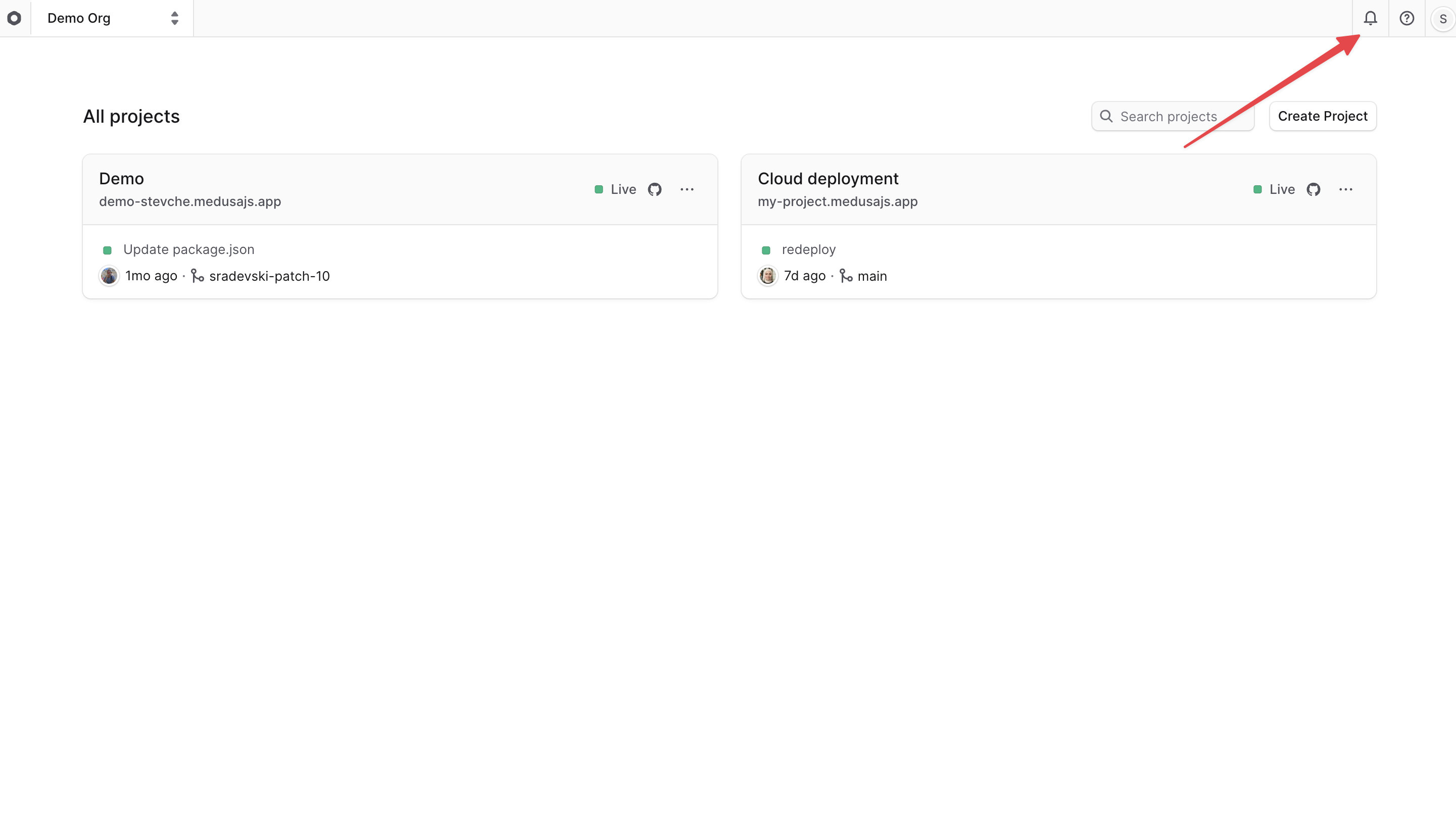
This will open the notifications sidebar, where you can see all notifications related to your organization.
To view the notifications for a different organization, learn how to [switch organizations](../organizations/page.mdx#switch-organization).
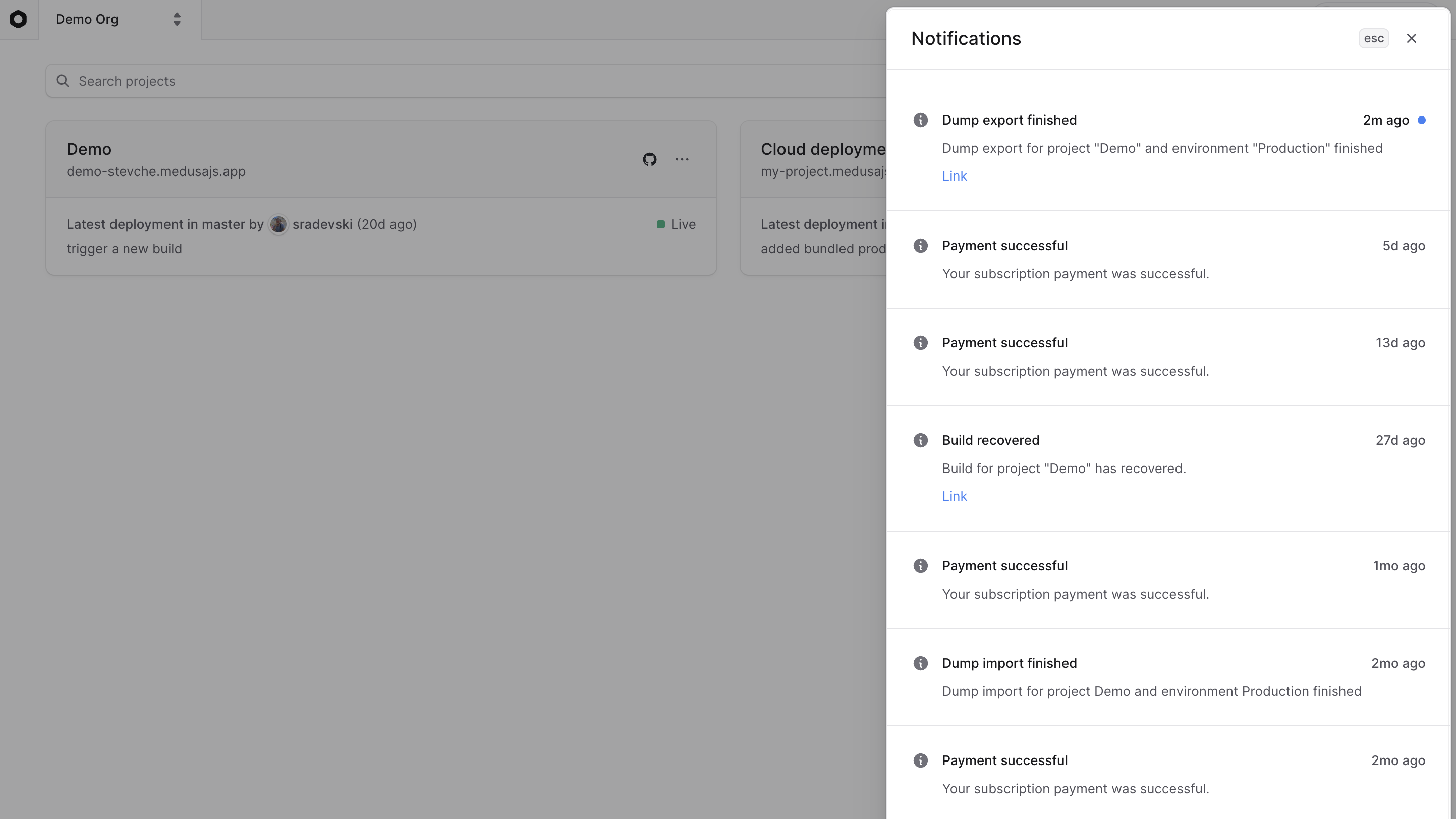
Actionable notifications will have a link that you can click to go to the relevant page. For example, if a database dump export was completed, you can click the link to download the dump.
### Toast Notifications
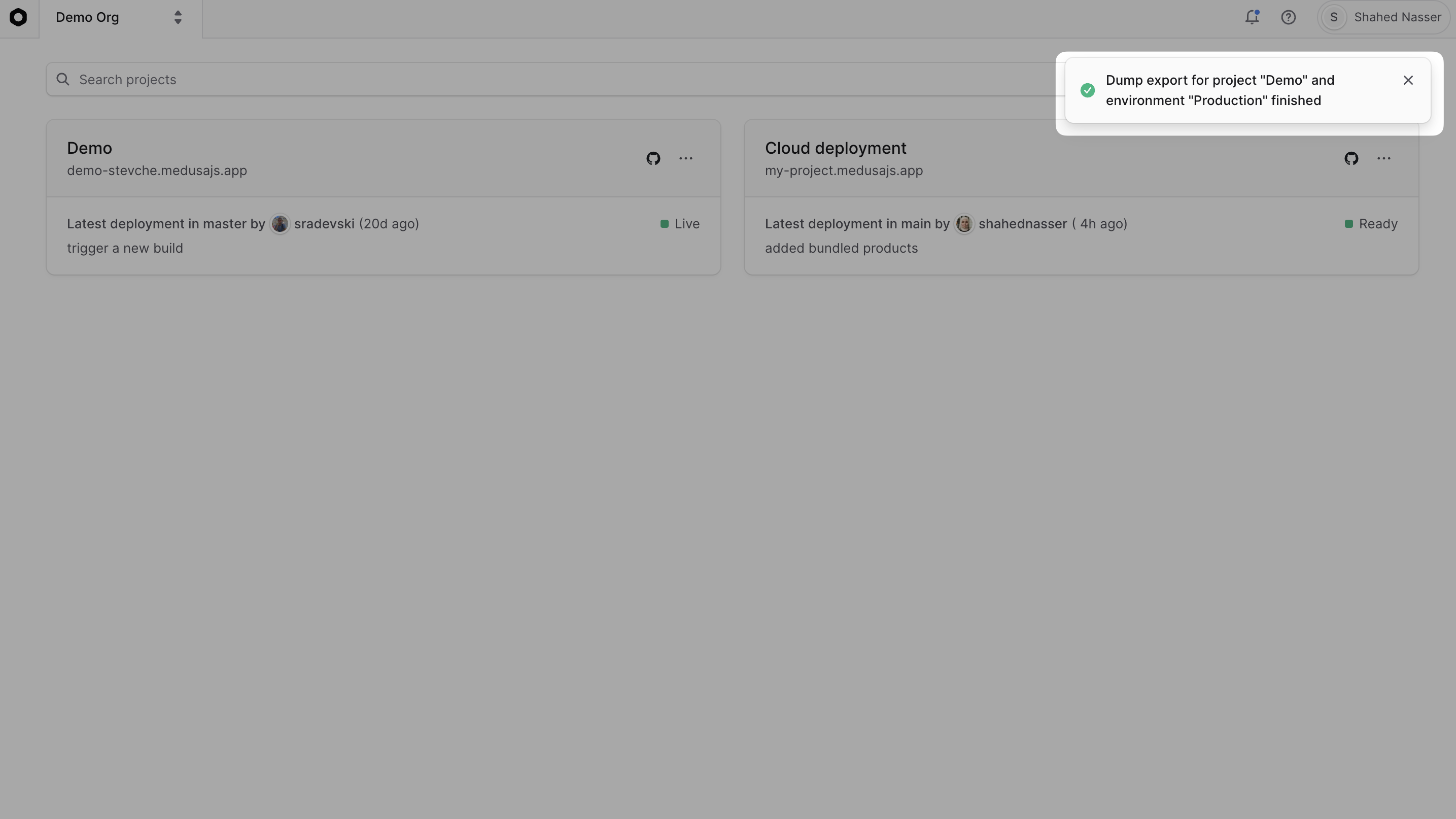
Medusa also shows you toast notifications at the top right of the dashboard when you receive a new notification. These notifications appear momentarily and then disappear. They're helpful to quickly inform you about important updates.