export const metadata = {
title: `Redis`,
}
# {metadata.title}
In this guide, you'll learn about the managed Redis service that Medusa provides as part of your project environments.
## Managed Redis Service
Medusa provisions and manages Redis servers for each of your environments.
Each project environment has a dedicated Redis server. These Redis servers are entirely isolated from one another, similar to the Postgres databases.
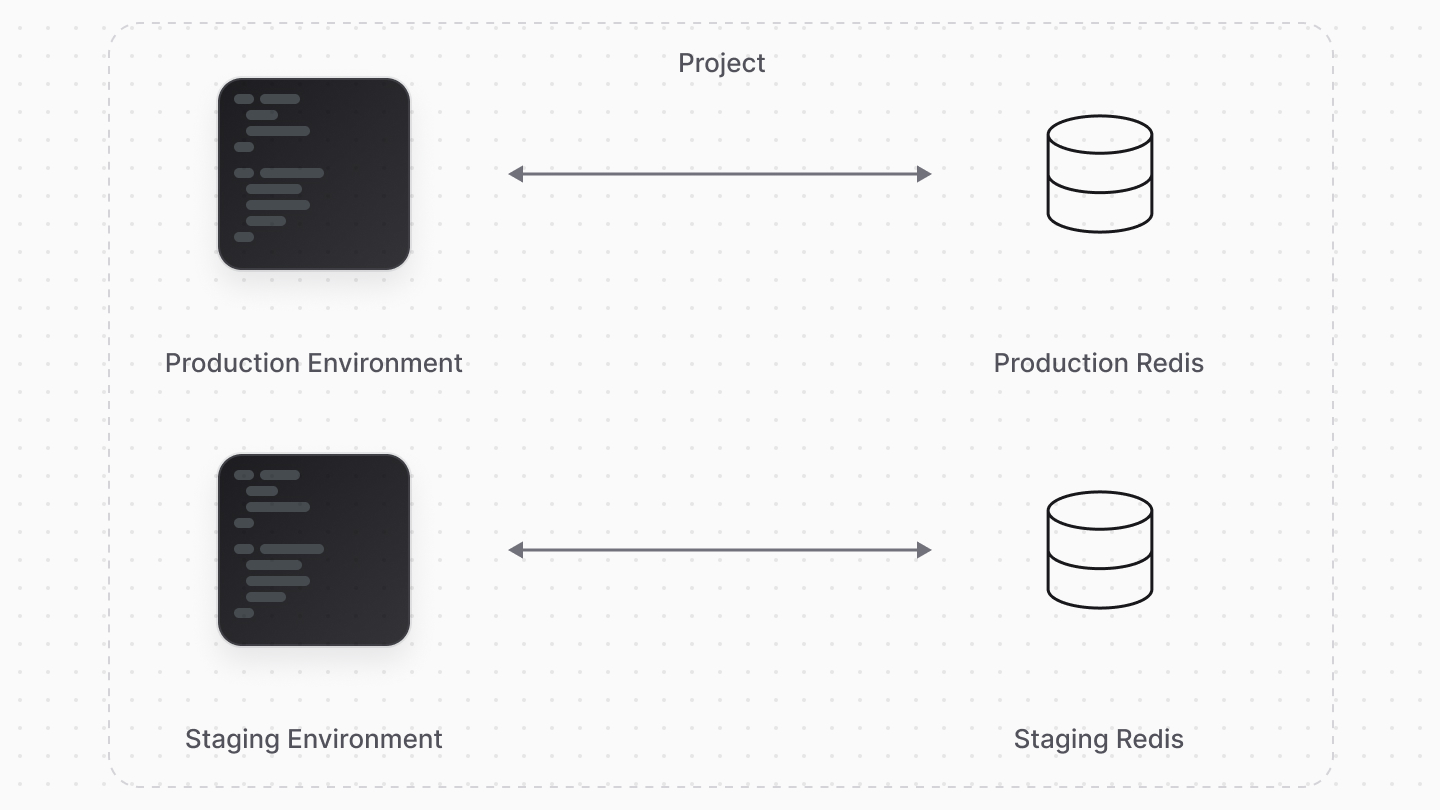
---
## Configured Redis Infrastructure Modules
Medusa automatically configures your Medusa application to use Redis-based Infrastructure Modules, including:
- [Redis Event Module](!resources!/infrastructure-modules/event/redis)
- [Redis Cache Module](!resources!/infrastructure-modules/cache/redis)
- [Redis Locking Module Provider](!resources!/infrastructure-modules/locking/redis)
- [Redis Workflow Engine Module](!resources!/infrastructure-modules/workflow-engine/redis)
So, you don't need to configure any of these modules and providers or set up Redis manually. Also, if you have them configured in `medusa-config.ts`, remove them to avoid conflicts.
If you're using a Medusa version before v2.7.0, contact support for assistance in configuring the Redis modules.
### Access Redis Configurations
Since Cloud is a managed service, you can't directly access your Redis instance or its configurations. Medusa also doesn't expose the Redis instance connection or configuration details.
### Override Redis Configurations
If you need to customize the Redis configurations for any of the Redis modules and providers, you must host and manage your own Redis instance externally.
Then, configure the modules and providers you're overriding in your `medusa-config.ts` file to connect to your external Redis instance. Refer to the documentation for each module for more details on how to configure it.
To set the connection URL of your external Redis instance, refer to the [Manage Environment Variables](../environments/environment-variables/page.mdx) guide to learn how to add environment variables. You can then use these variables in your `medusa-config.ts` file to connect to your Redis instance.