export const metadata = {
title: `${pageNumber} Plugins`,
}
# {metadata.title}
In this chapter, you'll learn what a plugin is in Medusa.
Plugins are available starting from [Medusa v2.3.0](https://github.com/medusajs/medusa/releases/tag/v2.3.0).
## What is a Plugin?
A plugin is a package of reusable Medusa customizations that you can install in any Medusa application. The supported customizations are [Modules](../modules/page.mdx), [API Routes](../api-routes/page.mdx), [Workflows](../workflows/page.mdx), [Workflow Hooks](../workflows/workflow-hooks/page.mdx), [Links](../module-links/page.mdx), [Subscribers](../events-and-subscribers/page.mdx), [Scheduled Jobs](../scheduled-jobs/page.mdx), and [Admin Extensions](../admin/page.mdx).
Plugins allow you to reuse your Medusa customizations across multiple projects or share them with the community. They can be published to npm and installed in any Medusa project.
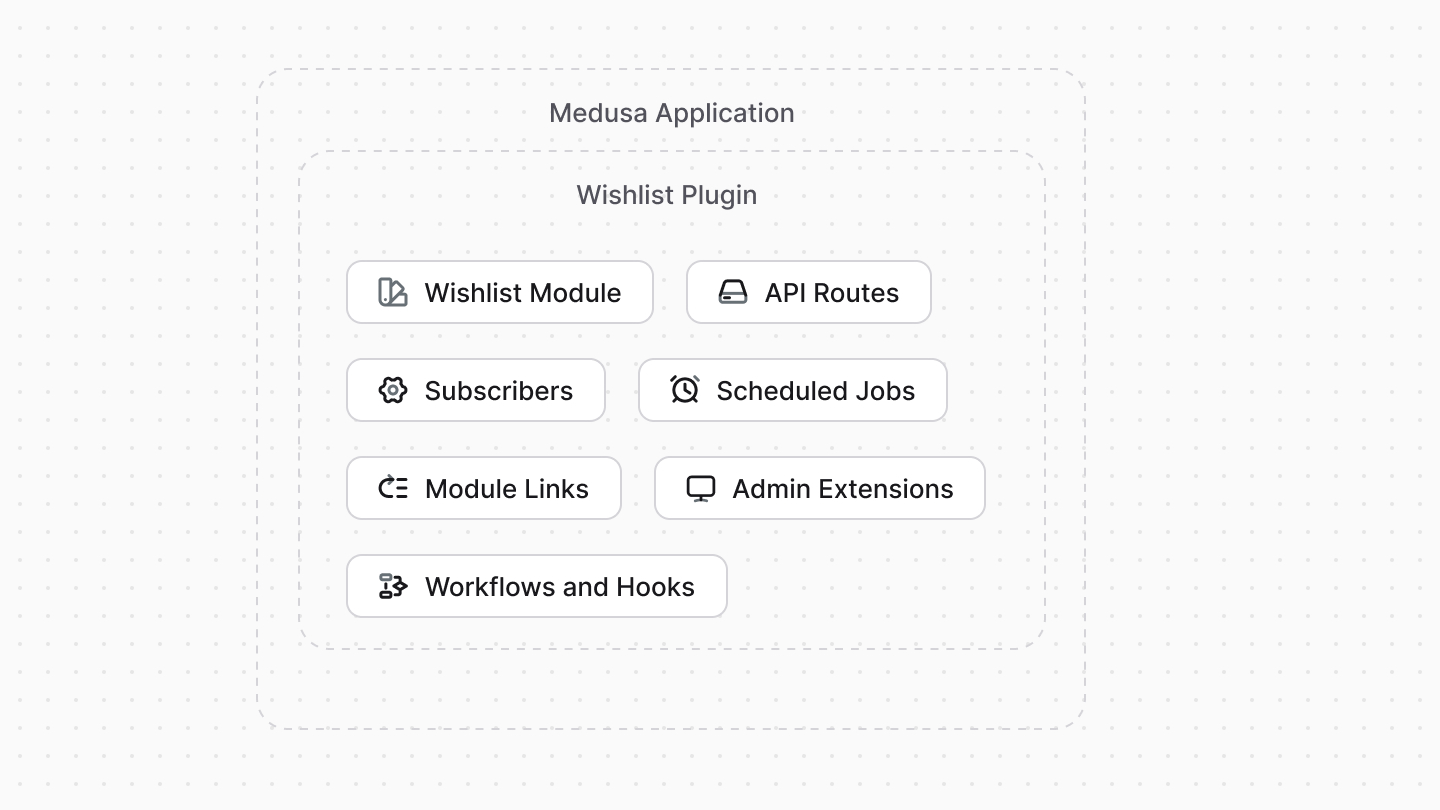
Learn how to create a wishlist plugin in [this guide](!resources!/plugins/guides/wishlist).
---
## Plugin vs Module
A [module](../modules/page.mdx) is an isolated package related to a single domain or functionality, such as product reviews or integrating a Content Management System. A module can't access any resources in the Medusa application that are outside its codebase.
A plugin, on the other hand, can contain multiple Medusa customizations, including modules. Your plugin can define a module, then build flows around it.
For example, in a plugin, you can define a module that integrates a third-party service, then add a workflow that uses the module when a certain event occurs to sync data to that service.
- You want to reuse your Medusa customizations across multiple projects.
- You want to share your Medusa customizations with the community.
- You want to build a custom feature related to a single domain or integrate a third-party service. Instead, use a [module](../modules/page.mdx). You can wrap that module in a plugin if it's used in other customizations, such as if it has a module link or it's used in a workflow.
---
## How to Create a Plugin?
The next chapter explains how you can create and publish a plugin.