
28 lines
1.6 KiB
Plaintext
28 lines
1.6 KiB
Plaintext
export const metadata = {
|
|
title: `${pageNumber} Build Custom Features`,
|
|
}
|
|
|
|
# {metadata.title}
|
|
|
|
In the upcoming chapters, you'll follow step-by-step guides to build custom features in Medusa. These guides gradually introduce Medusa's concepts to help you understand what they are and how to use them.
|
|
|
|
By following these guides, you'll add brands to the Medusa application that you can associate with products.
|
|
|
|
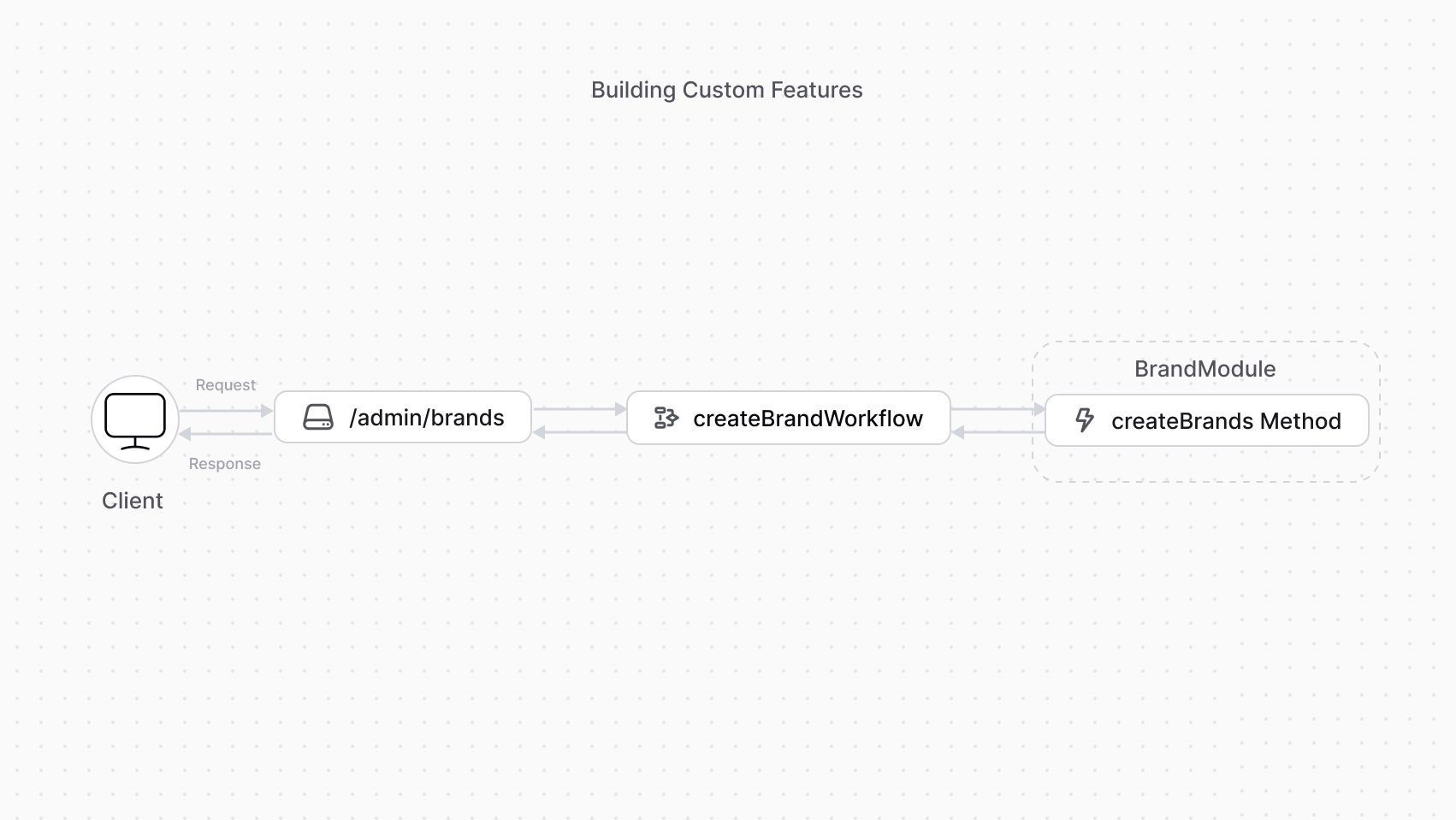
To build a custom feature in Medusa, you need three main [Framework](../../fundamentals/framework/page.mdx) tools:
|
|
|
|
- [Module](../../fundamentals/modules/page.mdx): a package with commerce logic for a single domain. It defines new tables to add to the database, and a class of methods to manage these tables.
|
|
- [Workflow](../../fundamentals/workflows/page.mdx): a tool to perform an operation comprising multiple steps with built-in rollback and retry mechanisms.
|
|
- [API route](../../fundamentals/api-routes/page.mdx): a REST endpoint that exposes commerce features to clients, such as the admin dashboard or a storefront. The API route executes a workflow that implements the commerce feature using modules.
|
|
|
|
|
|
|
|
---
|
|
|
|
## Next Chapters: Brand Module Example
|
|
|
|
The next chapters will guide you to:
|
|
|
|
1. Build a Brand Module that creates a `Brand` data model and provides data-management features.
|
|
2. Add a workflow to create a brand.
|
|
3. Expose an API route that allows admin users to create a brand using the workflow.
|