
24 lines
1.6 KiB
Plaintext
24 lines
1.6 KiB
Plaintext
export const metadata = {
|
|
title: `${pageNumber} Re-Use Customizations with Plugins`,
|
|
}
|
|
|
|
# {metadata.title}
|
|
|
|
In the previous chapters, you've followed the [brand example](../custom-features/page.mdx) to learn important concepts related to:
|
|
|
|
- [Creating modules](../custom-features/module/page.mdx).
|
|
- [Implementing commerce features in workflows](../custom-features/workflow/page.mdx).
|
|
- [Exposing those features in API routes](../custom-features/api-route/page.mdx).
|
|
- [Customizing the Medusa Admin dashboard with Admin Extensions](../customize-admin/page.mdx).
|
|
- [Integrating third-party systems](../integrate-systems/page.mdx).
|
|
|
|
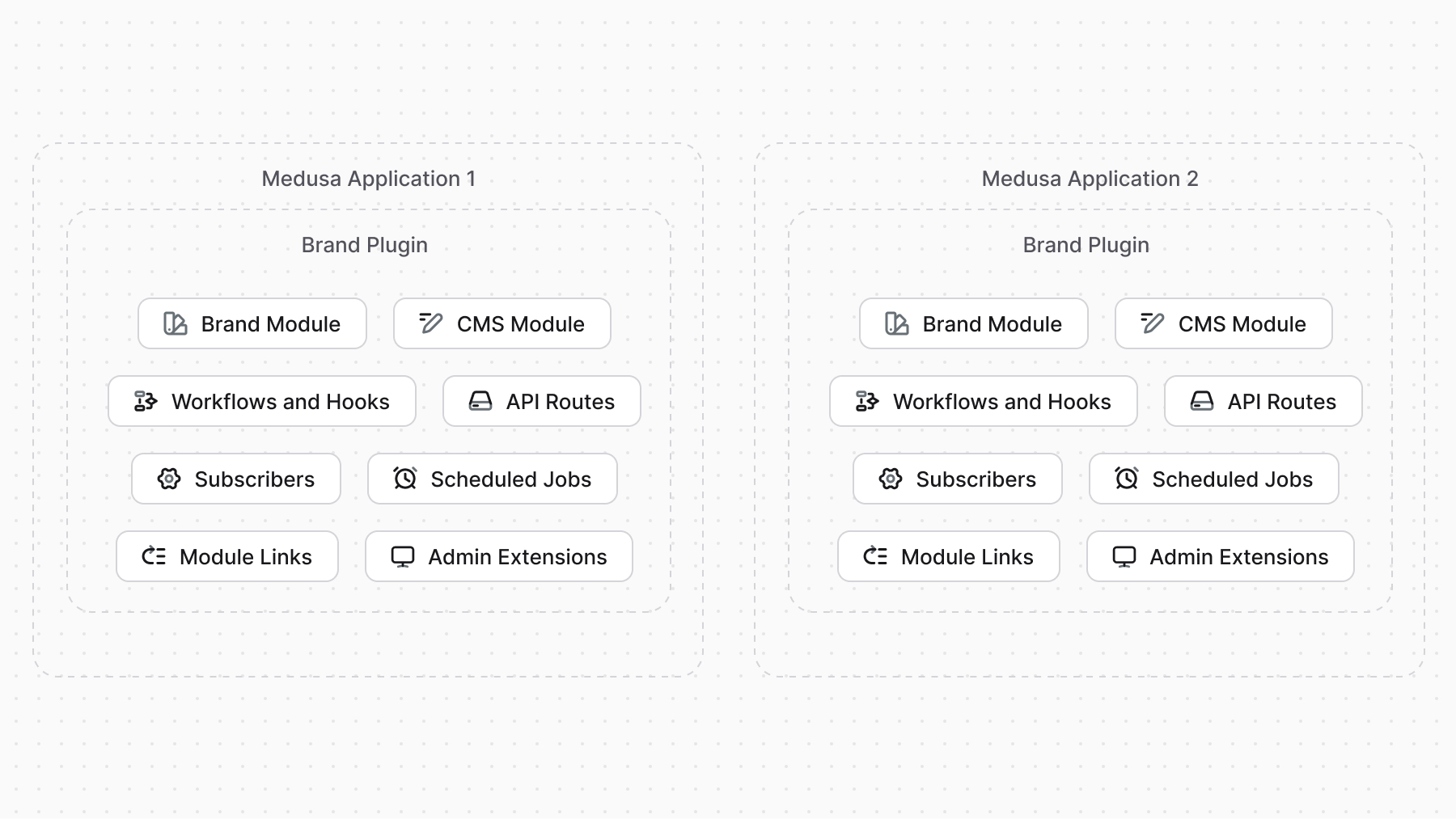
You've implemented the brands example within a single Medusa application. However, this approach is not scalable. If you want to use the same brands feature in different Medusa applications, you would have to manually copy the code and maintain it across all projects.
|
|
|
|
Instead, to reuse your customizations across multiple Medusa applications, you can create a plugin. A plugin is an NPM package that encapsulates your customizations and can be installed in any Medusa application. Plugins can include modules, workflows, API routes, Admin Extensions, and more.
|
|
|
|
|
|
|
|
Medusa provides the tooling to create a plugin package, test it in a local Medusa application, and publish it to NPM.
|
|
|
|
Refer to the [Plugins](../../fundamentals/plugins/page.mdx) chapter to learn more about plugins and how to create them.
|