
51 lines
1.8 KiB
Plaintext
51 lines
1.8 KiB
Plaintext
export const metadata = {
|
||
title: `Pricing Concepts`,
|
||
}
|
||
|
||
# {metadata.title}
|
||
|
||
In this document, you’ll learn about the main concepts in the Pricing Module, and how data is stored and related.
|
||
|
||
## Price Set
|
||
|
||
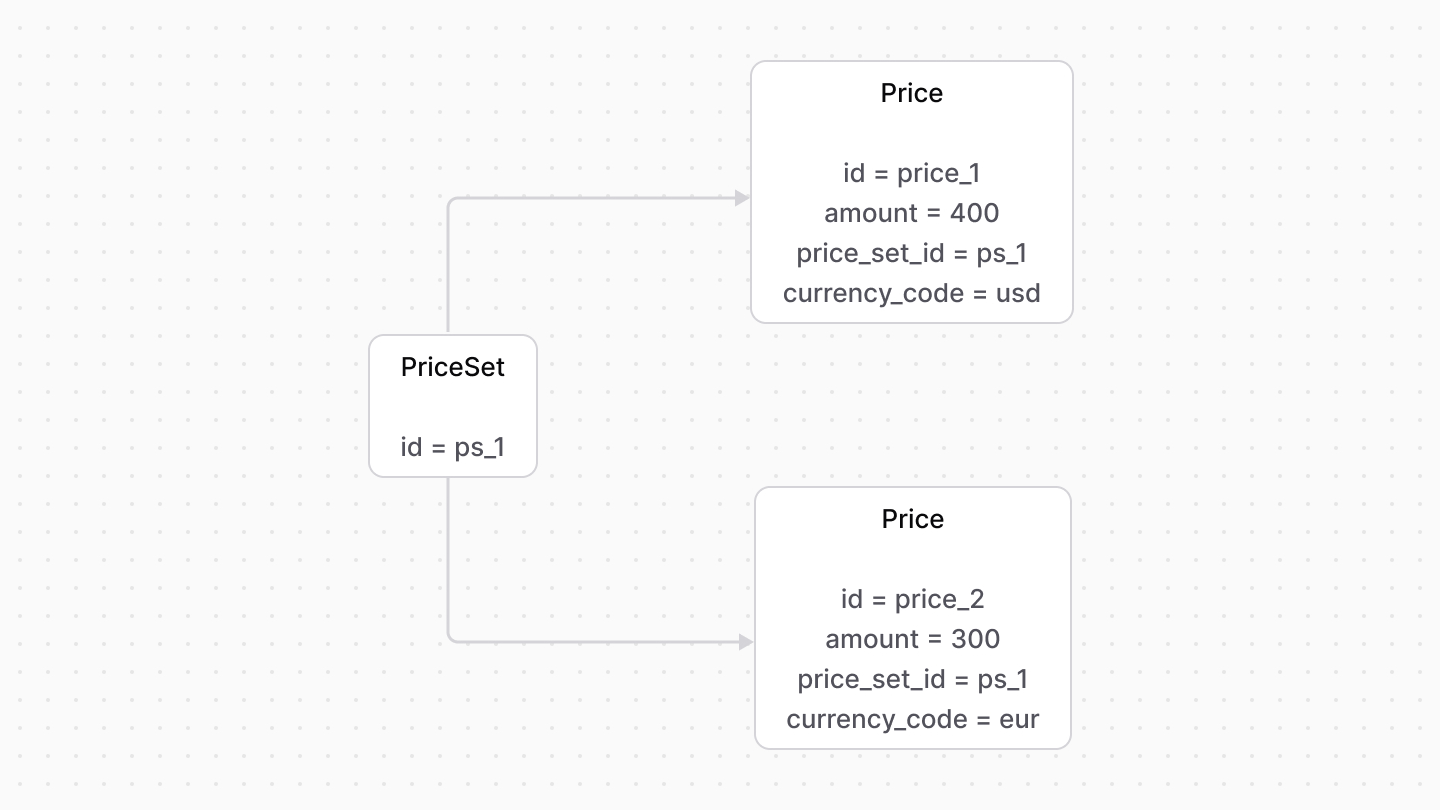
A [PriceSet](/references/pricing/models/PriceSet) represents a collection of prices that are linked to a resource (for example, a product or a shipping option). Each of these prices are represented by the [Price data module](/references/pricing/models/Price).
|
||
|
||
|
||
|
||
---
|
||
|
||
## Rule Type
|
||
|
||
Each price within a price set can be applied for different conditions. These conditions are represented as rule types.
|
||
|
||
A [RuleType](/references/pricing/models/RuleType) defines custom conditions. A rule type has a unique `rule_attribute` which indicates the field this rule applies on. For example, `region_id`.
|
||
|
||
This is referenced when setting a rule of a price. For example:
|
||
|
||
export const ruleTypeHighlights = [
|
||
["8", "region_id", "Reference a rule type by its `rule_attribute`."],
|
||
["8", `"PL"`, "The value of this rule."]
|
||
]
|
||
|
||
```ts highlights={ruleTypeHighlights}
|
||
const priceSet = await pricingModuleService.addPrices({
|
||
priceSetId,
|
||
prices: [
|
||
{
|
||
amount: 500,
|
||
currency_code: "EUR",
|
||
rules: {
|
||
region_id: "PL",
|
||
},
|
||
},
|
||
],
|
||
})
|
||
```
|
||
|
||
---
|
||
|
||
## Price List
|
||
|
||
A [PriceList](/references/pricing/models/PriceList) is a group of prices only enabled if their conditions and rules are satisfied. A price list has optional `start_date` and `end_date` fields, which indicate the date range in which a price list can be applied.
|
||
|
||
Its associated prices are represented by the `Price` data model. |