
57 lines
2.5 KiB
Plaintext
57 lines
2.5 KiB
Plaintext
export const metadata = {
|
|
title: `${pageNumber} Plugins`,
|
|
}
|
|
|
|
# {metadata.title}
|
|
|
|
In this chapter, you'll learn what a plugin is in Medusa.
|
|
|
|
<Note>
|
|
|
|
Plugins are available starting from [Medusa v2.3.0](https://github.com/medusajs/medusa/releases/tag/v2.3.0).
|
|
|
|
</Note>
|
|
|
|
## What is a Plugin?
|
|
|
|
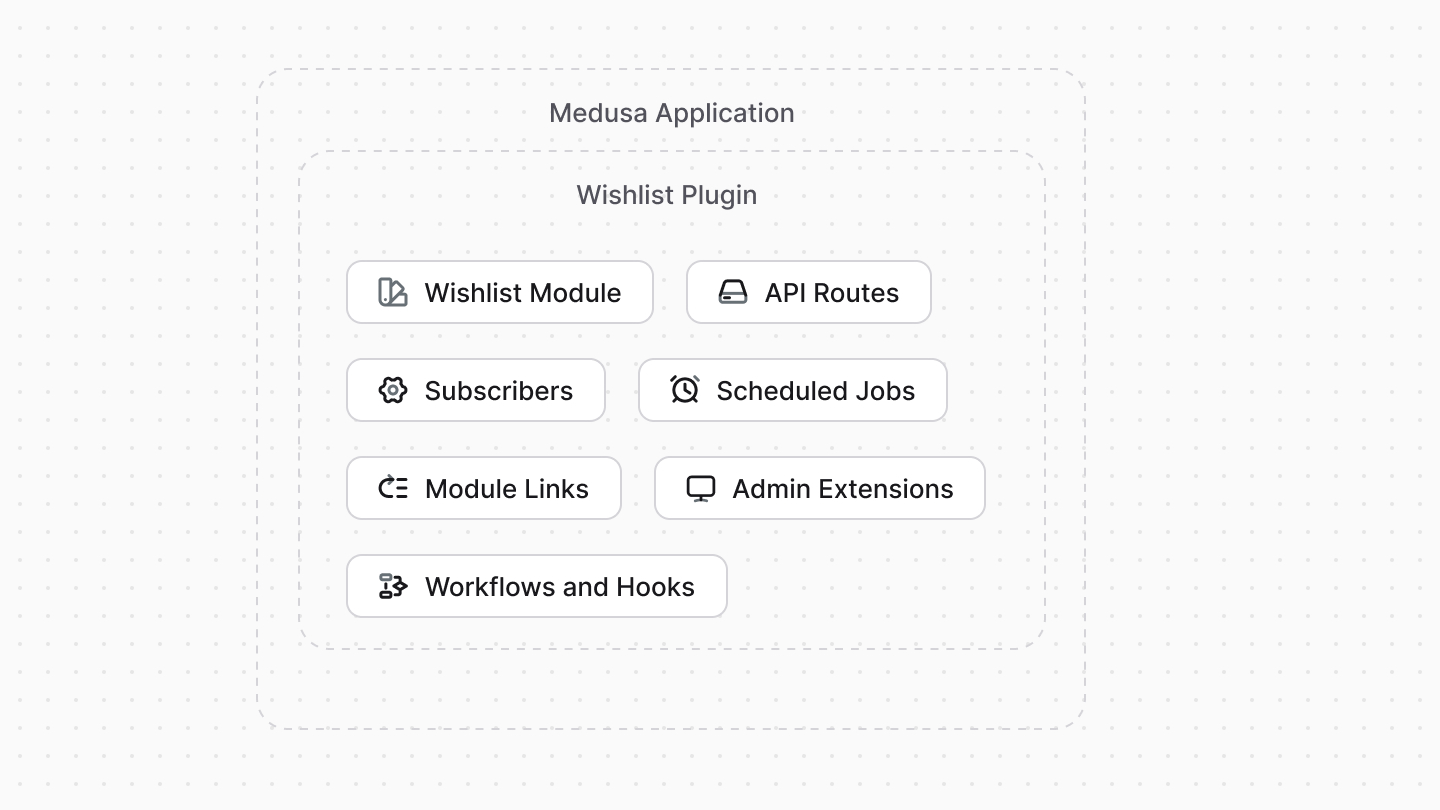
A plugin is a package of reusable Medusa customizations that you can install in any Medusa application. The supported customizations are [Modules](../modules/page.mdx), [API Routes](../api-routes/page.mdx), [Workflows](../workflows/page.mdx), [Workflow Hooks](../workflows/workflow-hooks/page.mdx), [Links](../module-links/page.mdx), [Subscribers](../events-and-subscribers/page.mdx), [Scheduled Jobs](../scheduled-jobs/page.mdx), and [Admin Extensions](../admin/page.mdx).
|
|
|
|
Plugins allow you to reuse your Medusa customizations across multiple projects or share them with the community. They can be published to npm and installed in any Medusa project.
|
|
|
|
|
|
|
|
<Note title="Tip">
|
|
|
|
Learn how to create a wishlist plugin in [this guide](!resources!/plugins/guides/wishlist).
|
|
|
|
</Note>
|
|
|
|
---
|
|
|
|
## Plugin vs Module
|
|
|
|
A [module](../modules/page.mdx) is an isolated package related to a single domain or functionality, such as product reviews or integrating a Content Management System. A module can't access any resources in the Medusa application that are outside its codebase.
|
|
|
|
A plugin, on the other hand, can contain multiple Medusa customizations, including modules. Your plugin can define a module, then build flows around it.
|
|
|
|
For example, in a plugin, you can define a module that integrates a third-party service, then add a workflow that uses the module when a certain event occurs to sync data to that service.
|
|
|
|
<Note title="Use a plugin if" type="success">
|
|
|
|
- You want to reuse your Medusa customizations across multiple projects.
|
|
- You want to share your Medusa customizations with the community.
|
|
|
|
</Note>
|
|
|
|
<Note title="Don't use a plugin if" type="error">
|
|
|
|
- You want to build a custom feature related to a single domain or integrate a third-party service. Instead, use a [module](../modules/page.mdx). You can wrap that module in a plugin if it's used in other customizations, such as if it has a module link or it's used in a workflow.
|
|
|
|
</Note>
|
|
|
|
---
|
|
|
|
## How to Create a Plugin?
|
|
|
|
The next chapter explains how you can create and publish a plugin.
|