 cdfa21cfb0
* add tags

* docs: add tags for user guide + links in commerce modules sidebar

* generate sidebar
37 lines
1.2 KiB
Plaintext
37 lines
1.2 KiB
Plaintext
---
|
||
sidebar_autogenerate_exclude: true
|
||
sidebar_label: "Customers Overview"
|
||
tags:
|
||
- user guide
|
||
- customer
|
||
---
|
||
|
||
export const metadata = {
|
||
title: `Customers Overview in Medusa Admin`,
|
||
}
|
||
|
||
# {metadata.title}
|
||
|
||
The Customers domain allows you to manage customers and customer groups in your commerce store.
|
||
|
||
You can manage both customers that have registered in your store and guest customers that have placed an order. You can also segment these customers into groups to offer them specific [promotions](../promotions/page.mdx) and [price lists](../price-lists/page.mdx).
|
||
|
||
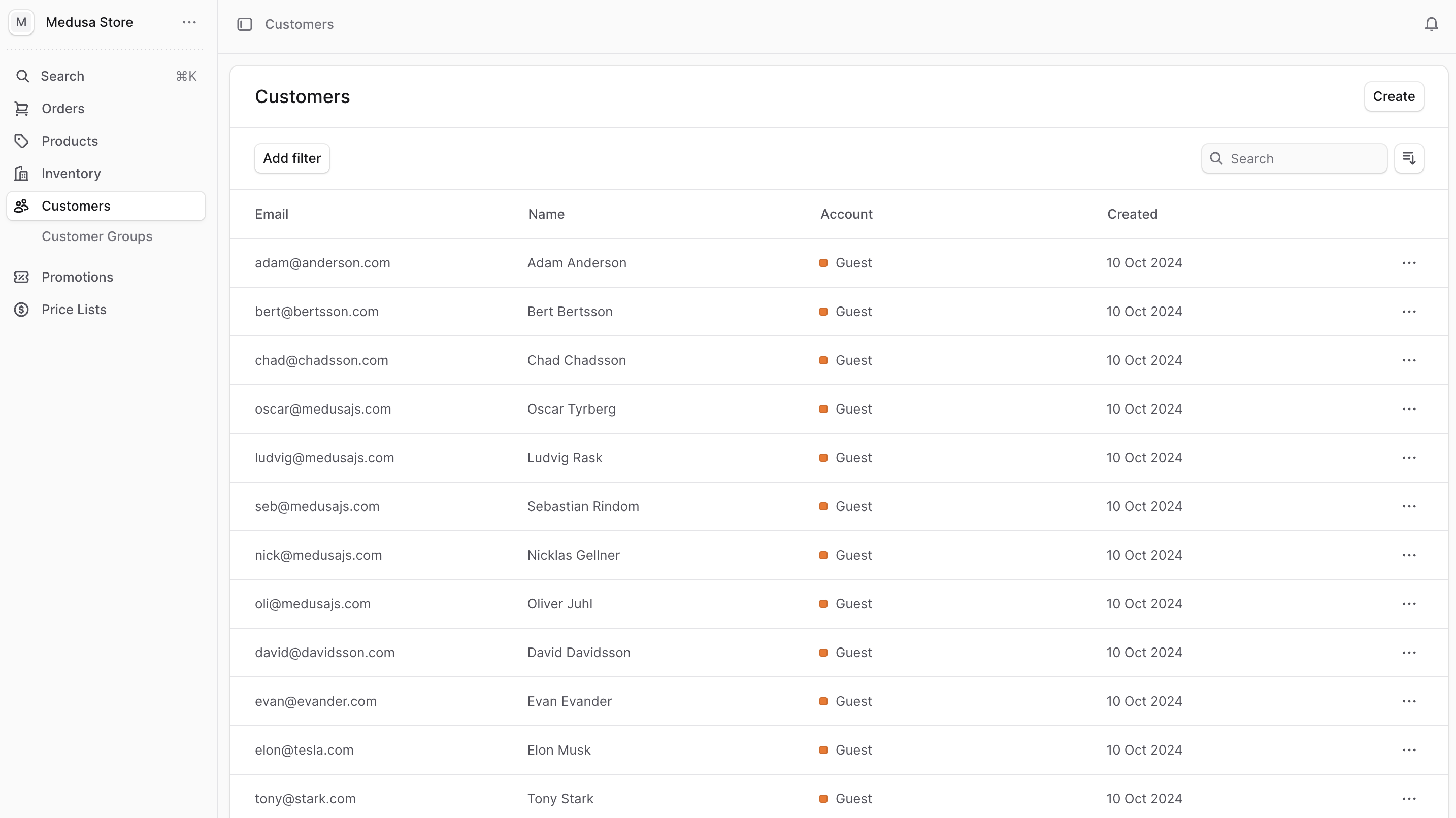
You can view the list of customers in your commerce store by clicking on Customers from the sidebar menu.
|
||
|
||
In the list, you can see customer details such as the email, name, and account type. You can also search, filter, and sort the customers to find the specific one you are looking for.
|
||
|
||
<Note title="Tip">
|
||
|
||
Find tips to use lists effectively in [this guide](../tips/lists/page.mdx).
|
||
|
||
</Note>
|
||
|
||
|
||
|
||
---
|
||
|
||
## Manage Customers
|
||
|
||
- [Manage and View a Customer’s Details](./manage/page.mdx)
|
||
- [Manage and View a Customer Group](./groups/page.mdx)
|