
66 lines
1.8 KiB
Plaintext
66 lines
1.8 KiB
Plaintext
export const metadata = {
|
||
title: `${pageNumber} API Routes`,
|
||
}
|
||
|
||
# {metadata.title}
|
||
|
||
In this chapter, you’ll learn what API Routes are and how to create them.
|
||
|
||
## What is an API Route?
|
||
|
||
An API Route is an endpoint. It exposes commerce features to external applications, such as storefronts, the admin dashboard, or third-party systems.
|
||
|
||
The Medusa core application provides a set of admin and store API routes out-of-the-box. You can also create custom API routes to expose your custom functionalities.
|
||
|
||
---
|
||
|
||
## How to Create an API Route?
|
||
|
||
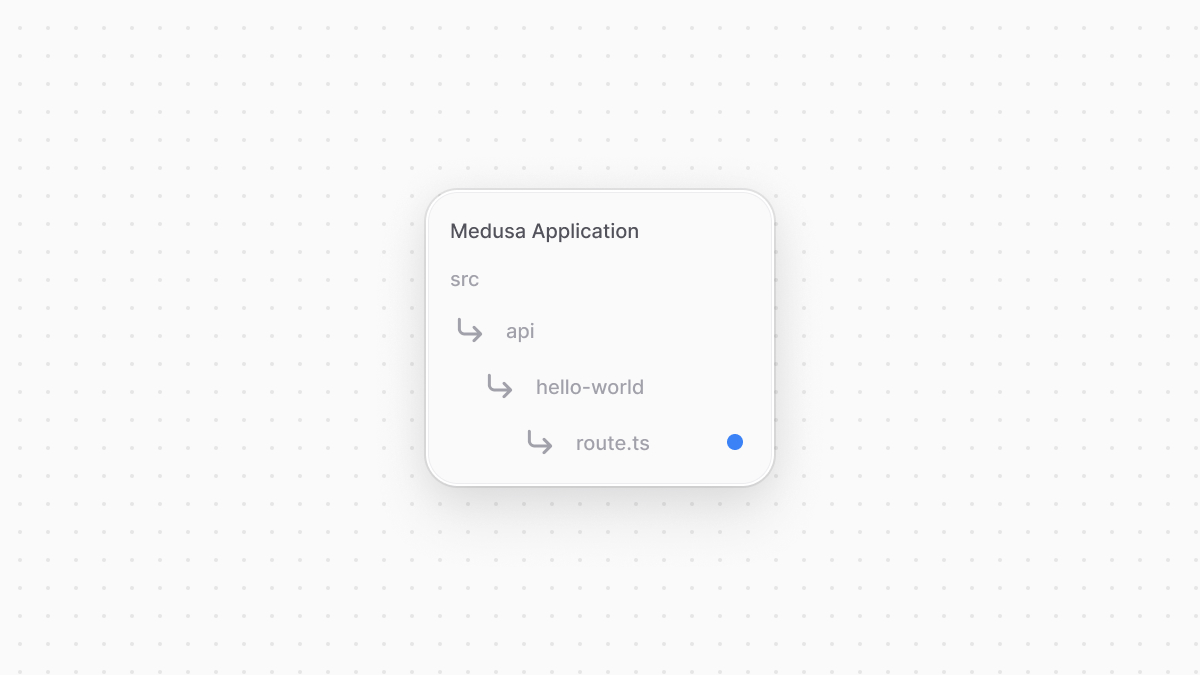
An API Route is created in a TypeScript or JavaScript file under the `src/api` directory of your Medusa application. The file’s name must be `route.ts` or `route.js`.
|
||
|
||
|
||
|
||
Each file exports API Route handler functions for at least one HTTP method (`GET`, `POST`, `DELETE`, etc…).
|
||
|
||
For example, to create a `GET` API Route at `/hello-world`, create the file `src/api/hello-world/route.ts` with the following content:
|
||
|
||
```ts title="src/api/hello-world/route.ts"
|
||
import type {
|
||
MedusaRequest,
|
||
MedusaResponse,
|
||
} from "@medusajs/framework/http"
|
||
|
||
export const GET = (
|
||
req: MedusaRequest,
|
||
res: MedusaResponse
|
||
) => {
|
||
res.json({
|
||
message: "[GET] Hello world!",
|
||
})
|
||
}
|
||
```
|
||
|
||
### Test API Route
|
||
|
||
To test the API route above, start the Medusa application:
|
||
|
||
```bash npm2yarn
|
||
npm run dev
|
||
```
|
||
|
||
Then, send a `GET` request to the `/hello-world` API Route:
|
||
|
||
```bash
|
||
curl http://localhost:9000/hello-world
|
||
```
|
||
|
||
---
|
||
|
||
## When to Use API Routes
|
||
|
||
<Note title="Use API routes when" type="success">
|
||
|
||
You're exposing custom functionality to be used by a storefront, admin dashboard, or any external application.
|
||
|
||
</Note>
|