
33 lines
1.5 KiB
Plaintext
33 lines
1.5 KiB
Plaintext
export const metadata = {
|
|
title: `Campaign`,
|
|
}
|
|
|
|
# {metadata.title}
|
|
|
|
In this document, you'll learn about campaigns.
|
|
|
|
<Note title="Looking for no-code docs?">
|
|
|
|
Refer to this [Medusa Admin User Guide](!user-guide!/promotions/campaigns) to learn how to manage campaigns using the dashboard.
|
|
|
|
</Note>
|
|
|
|
## What is a Campaign?
|
|
|
|
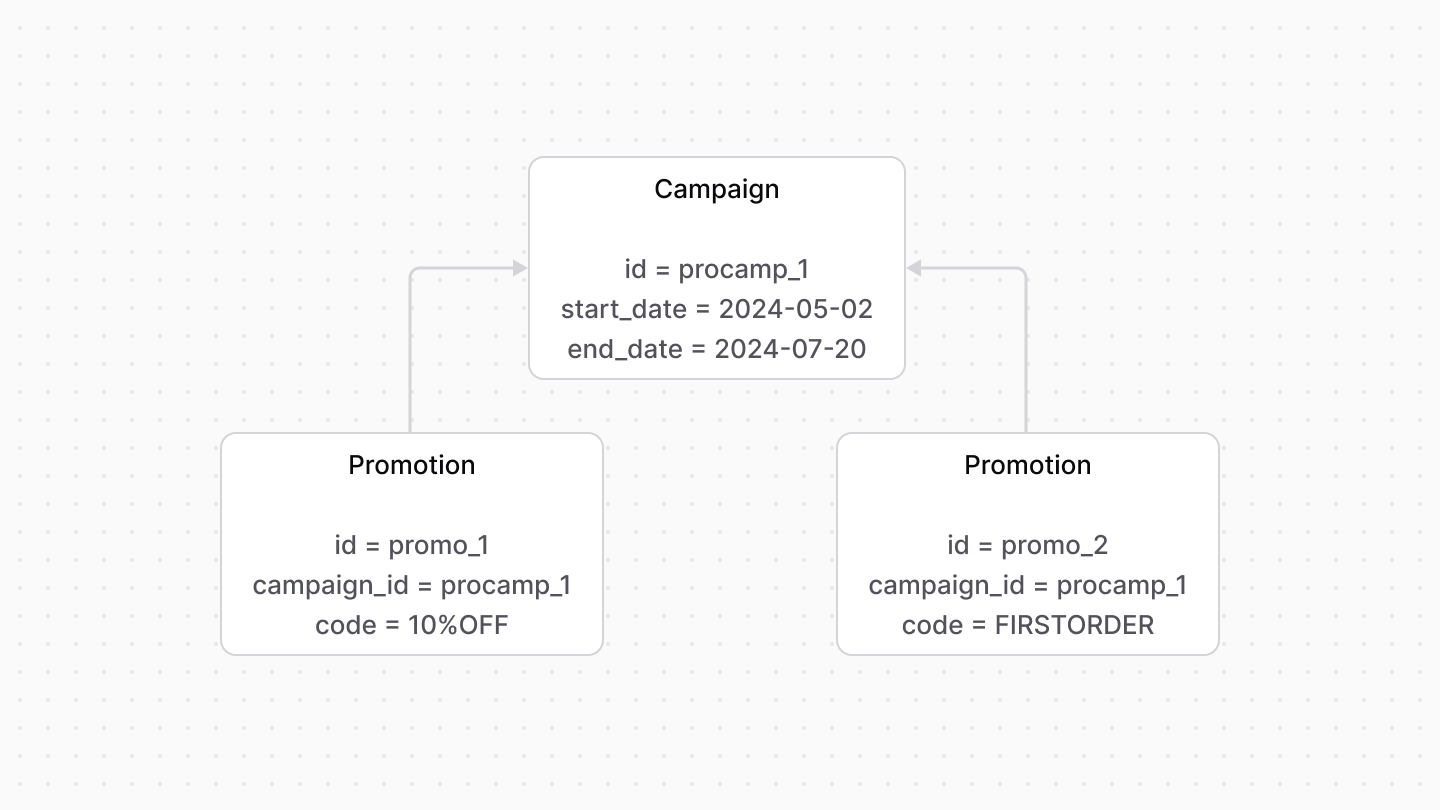
A [Campaign](/references/promotion/models/Campaign) combines promotions under the same conditions, such as start and end dates.
|
|
|
|
|
|
|
|
---
|
|
|
|
## Campaign Limits
|
|
|
|
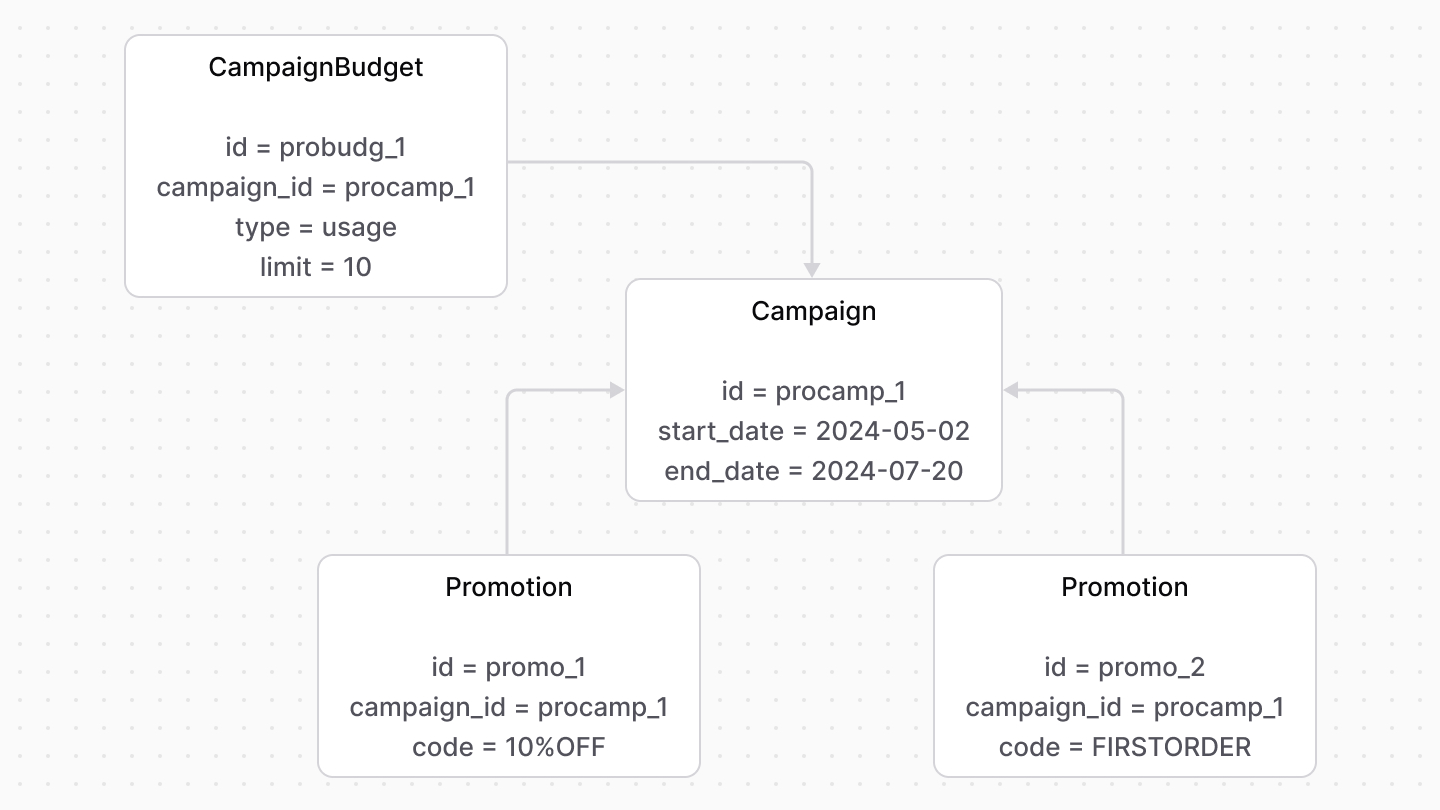
Each campaign has a budget represented by the [CampaignBudget data model](/references/promotion/models/CampaignBudget). The budget limits how many times the promotion can be used.
|
|
|
|
There are two types of budgets:
|
|
|
|
- `spend`: An amount that, when crossed, the promotion becomes unusable. For example, if the amount limit is set to `$100`, and the total amount of usage of this promotion crosses that threshold, the promotion can no longer be applied.
|
|
- `usage`: The number of times that a promotion can be used. For example, if the usage limit is set to `10`, the promotion can be used only 10 times by customers. After that, it can no longer be applied.
|
|
|
|
|