
86 lines
2.8 KiB
Plaintext
86 lines
2.8 KiB
Plaintext
export const metadata = {
|
||
title: `${pageNumber} Create a Plugin`,
|
||
}
|
||
|
||
# {metadata.title}
|
||
|
||
In this chapter, you’ll learn how to create a plugin.
|
||
|
||
## Plugin Development Process
|
||
|
||
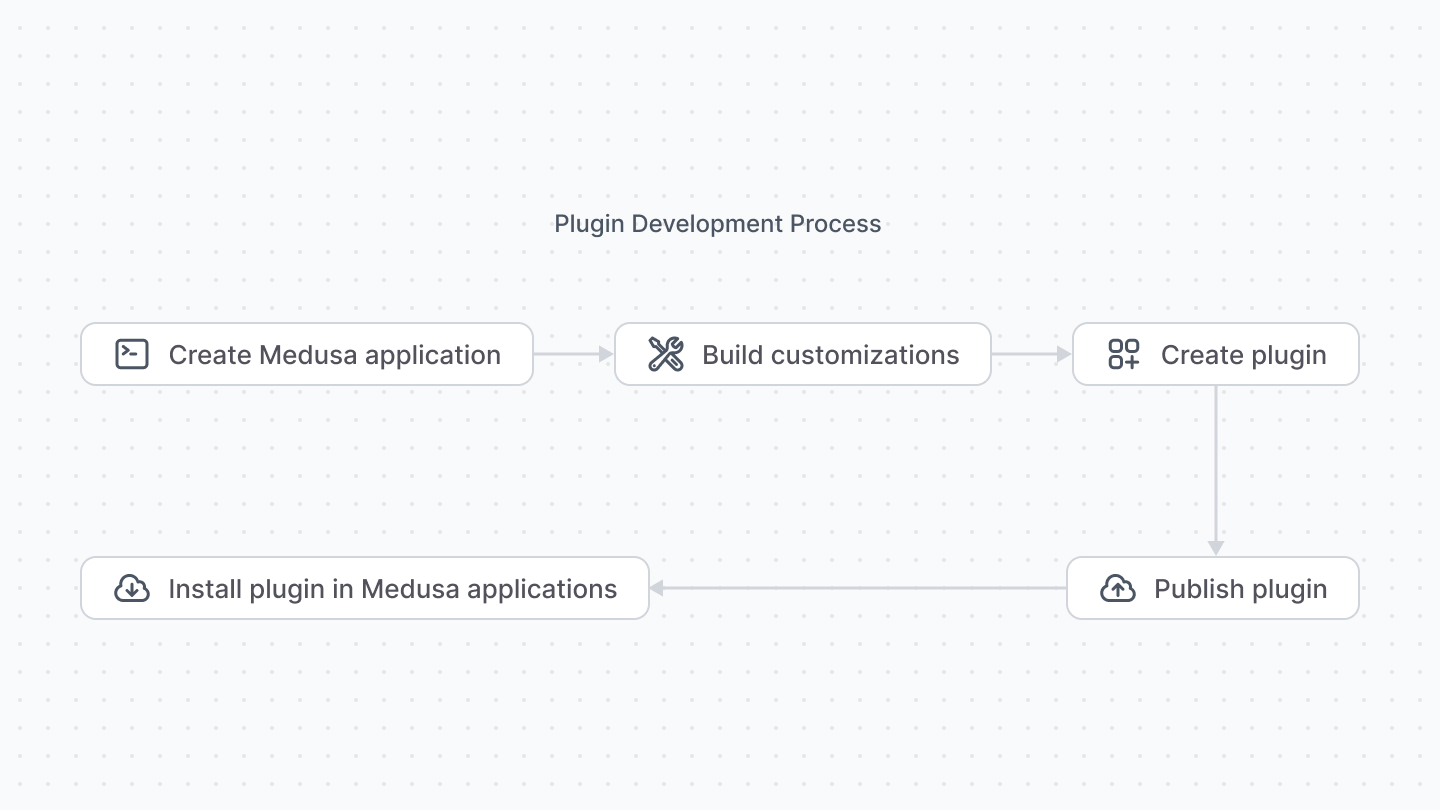
A plugin consists of Medusa application customizations. So, start with a new Medusa application and build your plugin’s resources.
|
||
|
||
Once you’re done developing and testing your customizations, you can package them in a plugin to be installed in other Medusa applications.
|
||
|
||
|
||
|
||
This chapter explains the steps to create the plugin that packages those customizations. The next chapter explains how to publish the plugin to NPM.
|
||
|
||
---
|
||
|
||
## Changes to package.json
|
||
|
||
### Add Prepare Script
|
||
|
||
Your plugin’s customizations must be built for production use. So, add a new `prepare` script to your scripts in `package.json`:
|
||
|
||
```json title="package.json"
|
||
"scripts": {
|
||
// other scripts...
|
||
"prepare": "cross-env NODE_ENV=production npm run build:server && medusa-admin bundle"
|
||
}
|
||
```
|
||
|
||
This builds your application resources, such as services and API routes, and creates a production build of your admin customizations. If your plugin doesn’t have any admin customizations, remove the `medusa-admin bundle` part of the script.
|
||
|
||
<Note>
|
||
|
||
`cross-env` is already a dependency in your Medusa application. If not, make sure to install it.
|
||
|
||
</Note>
|
||
|
||
### Change Dependencies
|
||
|
||
Your Medusa application requires dependencies that are not relevant to a plugin. For example, you can remove other plugins like `@medusajs/file-local` or modules like `@medusajs/cache-inmemory`.
|
||
|
||
<Note title="Tip">
|
||
|
||
Make sure to remove those plugins/modules from `medusa-config.js`.
|
||
|
||
</Note>
|
||
|
||
In addition, move `@medusajs/medusa` to be a peer dependency:
|
||
|
||
```json title="package.json"
|
||
"peerDependencies": {
|
||
"@medusajs/medusa": "YOUR_MEDUSA_VERSION",
|
||
// other peer dependencies...
|
||
}
|
||
```
|
||
|
||
If your plugin includes admin customizations, add `react` and `react-router-dom` (if you’re using it) to the `peerDependencies` as well:
|
||
|
||
```json title="package.json"
|
||
"peerDependencies": {
|
||
// other dependencies...
|
||
"react": "^18.2.0",
|
||
"react-router-dom": "^6.13.0"
|
||
}
|
||
```
|
||
|
||
---
|
||
|
||
## File Changes
|
||
|
||
Your Medusa application has files that aren’t relevant to your plugin. For example, files like `src/model/onboarding.ts` used for the onboarding process.
|
||
|
||
Go through all files under the `src` directory and remove those that aren’t relevant to your plugin.
|
||
|
||
---
|
||
|
||
## Plugin Structure
|
||
|
||
A published plugin must have its customizations built into the `dist` directory or to the root of the package. This is handled by the `prepare` command you added earlier.
|
||
|
||
Once your plugin is created, you’re ready to publish and use it in Medusa applications.
|