
119 lines
4.7 KiB
Markdown
119 lines
4.7 KiB
Markdown
---
|
||
description: "In this document, you’ll learn about the current beta features in Medusa and how to enable them. This can include features that are hidden by a feature flag, or available by installing beta versions of some packages."
|
||
---
|
||
|
||
# Beta Features
|
||
|
||
In this document, you’ll learn about the current beta features in Medusa and how to enable them. This can include features that are hidden by a feature flag, or available by installing `beta` versions of some packages.
|
||
|
||
## Product Categories
|
||
|
||
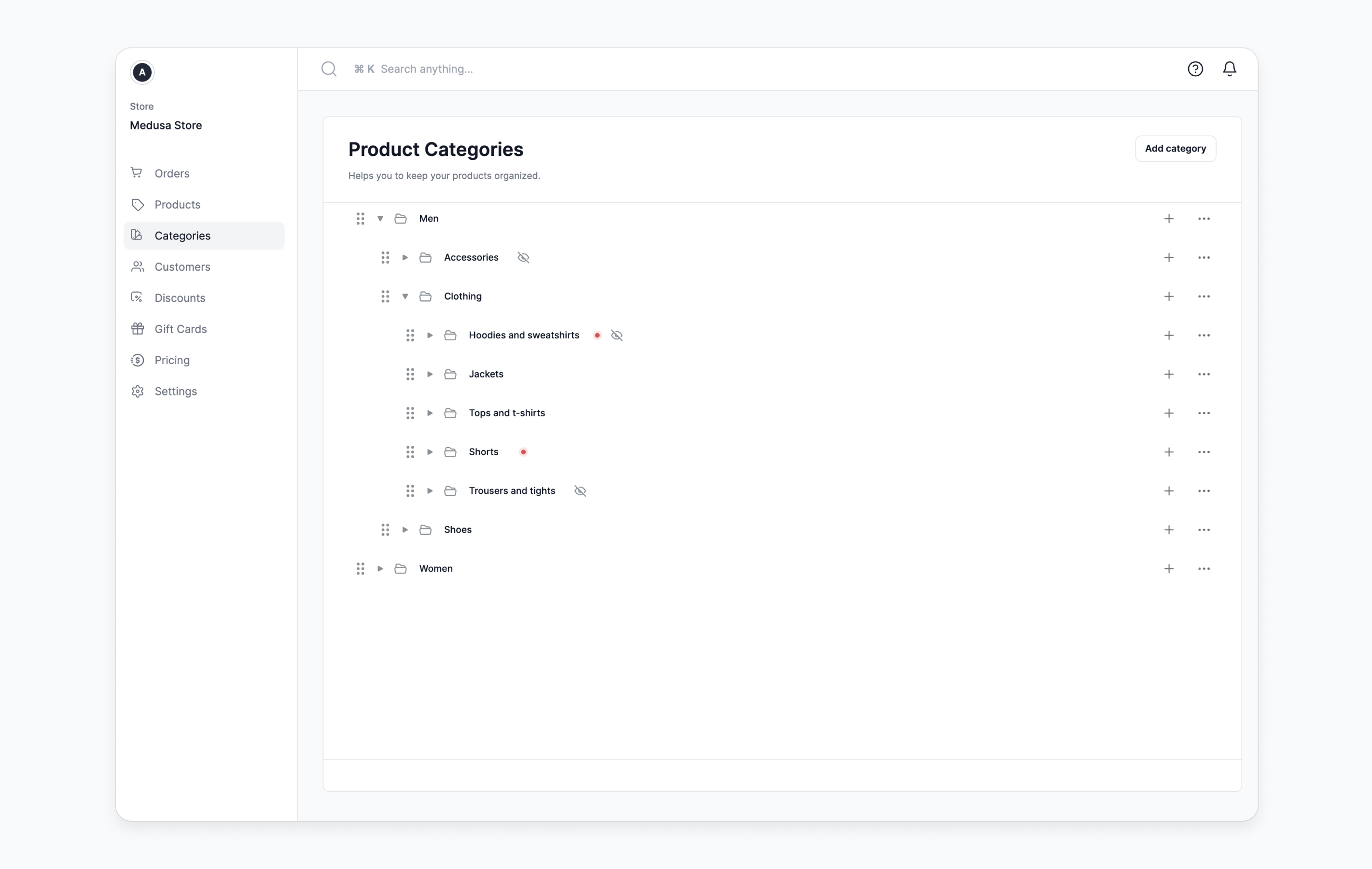
Organize products into categories of different hierarchies. You can have as many nested categories as necessary. You can also showcase the categories on your storefront.
|
||
|
||
|
||
|
||
Check out the [product categories](./modules/products/categories.md) documentation for more details on this feature.
|
||
|
||
### How to Enable Product Categories
|
||
|
||
To enable product categories you can either:
|
||
|
||
1. Set the `MEDUSA_FF_PRODUCT_CATEGORIES` environment variable to `true`.
|
||
2. Or set the `product_categories` key in the Medusa backend's `featureFlags` setting to `true`.
|
||
|
||
You can learn more about enabling it in the [feature flags documentation](./development/feature-flags/toggle.md).
|
||
|
||
---
|
||
|
||
## Tax-Inclusive Pricing
|
||
|
||
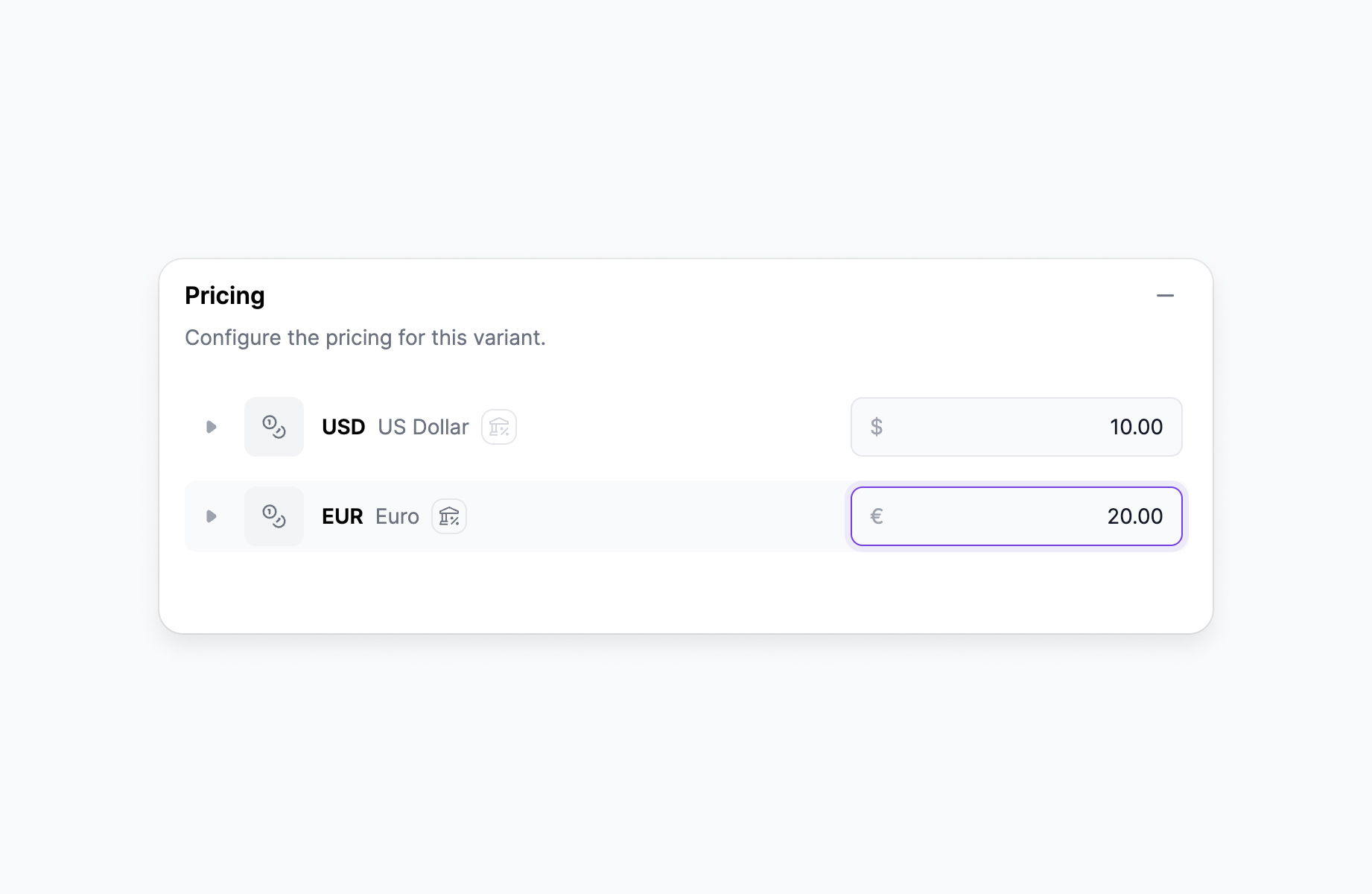
Specify prices with taxes included. Medusa then takes care of calculating the tax amount applied in each region.
|
||
|
||
|
||
|
||
Check out the [tax-inclusive pricing](./modules/taxes/inclusive-pricing.md) documentation for more details on this feature.
|
||
|
||
### How to Enable Tax-Inclusive Pricing
|
||
|
||
To enable tax-inclusive pricing you can either:
|
||
|
||
1. Set the `MEDUSA_FF_TAX_INCLUSIVE_PRICING` environment variable to `true`.
|
||
2. Or set the `tax_inclusive_pricing` key in the Medusa backend's `featureFlags` setting to `true`.
|
||
|
||
You can learn more about enabling it in the [feature flags documentation](./development/feature-flags/toggle.md).
|
||
|
||
---
|
||
|
||
## Order Editing
|
||
|
||
:::tip
|
||
|
||
This feature is enabled by default.
|
||
|
||
:::
|
||
|
||
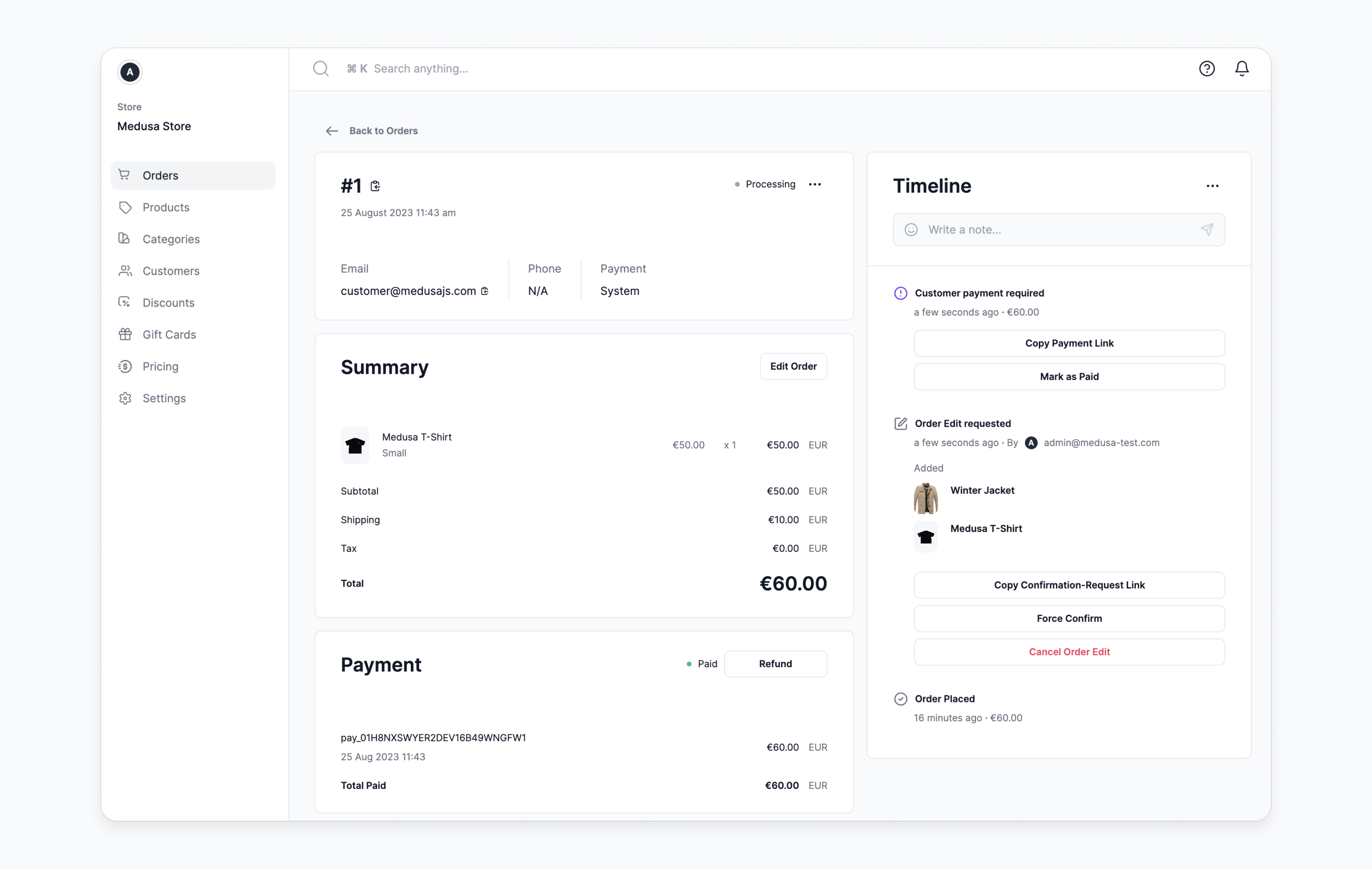
Edit orders in your store by adding, updating, or deleting items in the order. You can also require customer confirmation of the order edit and process payment, such as authorizing additional payment or refunding the difference from the original payment.
|
||
|
||
|
||
|
||
Check out the [order edits](./modules/orders/orders.md#order-edits) documentation for more details on this feature.
|
||
|
||
### How to Enable Order Editing
|
||
|
||
To enable order editing you can either:
|
||
|
||
1. Set the `MEDUSA_FF_ORDER_EDITING` environment variable to `true`.
|
||
2. Or set the `order_editing` key in the Medusa backend's `featureFlags` setting to `true`.
|
||
|
||
You can learn more about enabling it in the [feature flags documentation](./development/feature-flags/toggle.md).
|
||
|
||
---
|
||
|
||
## Sales Channels
|
||
|
||
:::tip
|
||
|
||
This feature is enabled by default.
|
||
|
||
:::
|
||
|
||
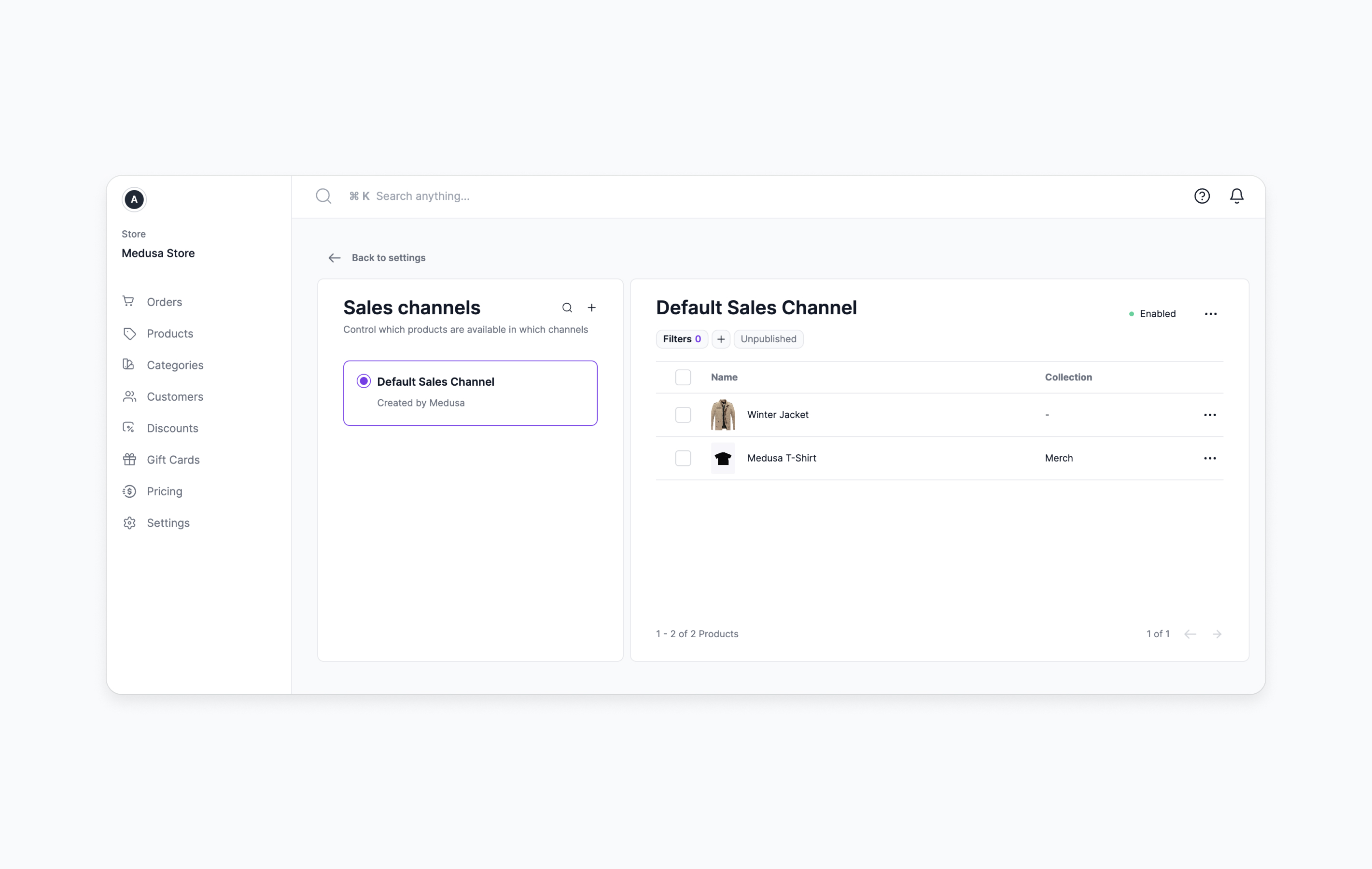
Support an omnichannel experience by specifying product availability in various sales channels.
|
||
|
||
|
||
|
||
Check out the [sales channels](./modules/sales-channels/overview.mdx) documentation for more details on this feature.
|
||
|
||
### How to Enable Sales Channels
|
||
|
||
To enable sales channels you can either:
|
||
|
||
1. Set the `MEDUSA_FF_SALES_CHANNELS` environment variable to `true`.
|
||
2. Or set the `sales_channels` key in the Medusa backend's `featureFlags` setting to `true`.
|
||
|
||
You can learn more about enabling it in the [feature flags documentation](./development/feature-flags/toggle.md).
|
||
|
||
---
|
||
|
||
## Publishable API Keys
|
||
|
||
:::tip
|
||
|
||
This feature is enabled by default.
|
||
|
||
:::
|
||
|
||
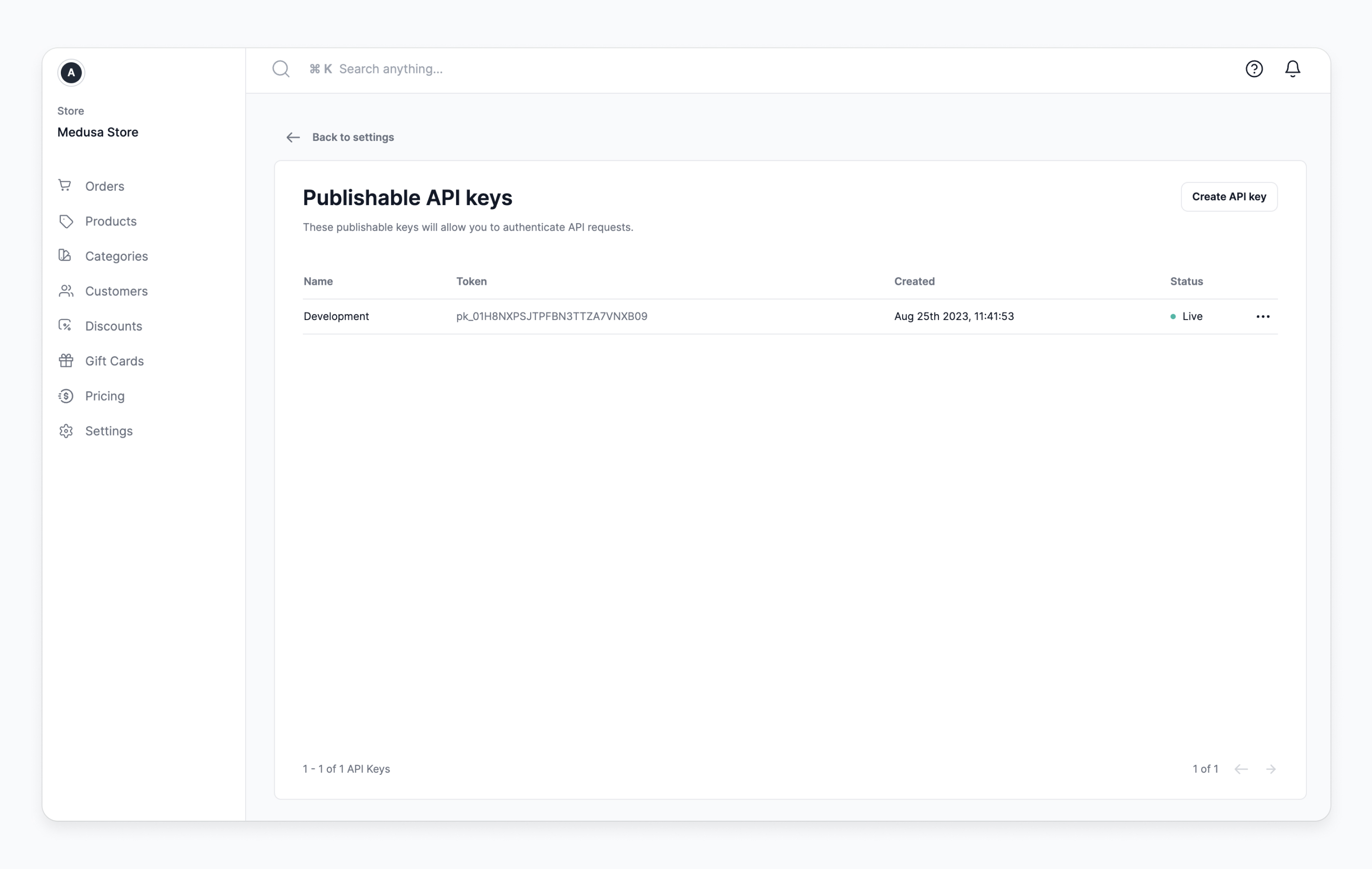
Create API keys that can be used by storefront clients, such as websites or mobile apps, to specify the context and resources associated with your request. Publishable API keys promote an omnichannel experience managed through the admin.
|
||
|
||
|
||
|
||
Check out the [publishable API keys](./development/publishable-api-keys/index.mdx) documentation for more details on this feature.
|
||
|
||
### How to Enable Publishable API Keys
|
||
|
||
To enable publishable API keys you can either:
|
||
|
||
1. Set the `MEDUSA_FF_PUBLISHABLE_API_KEYS` environment variable to `true`.
|
||
2. Or set the `publishable_api_keys` key in the Medusa backend's `featureFlags` setting to `true`.
|
||
|
||
You can learn more about enabling it in the [feature flags documentation](./development/feature-flags/toggle.md).
|